3D showroom

What is 3D?

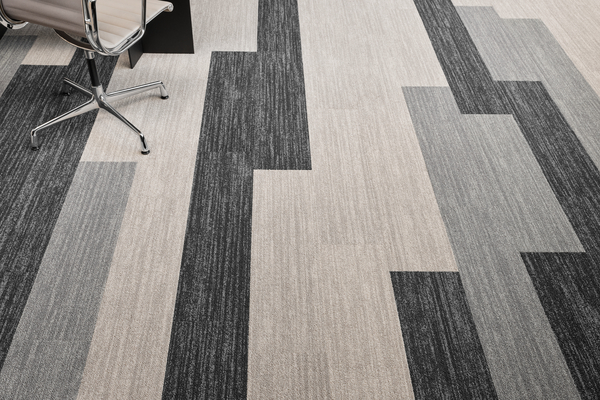
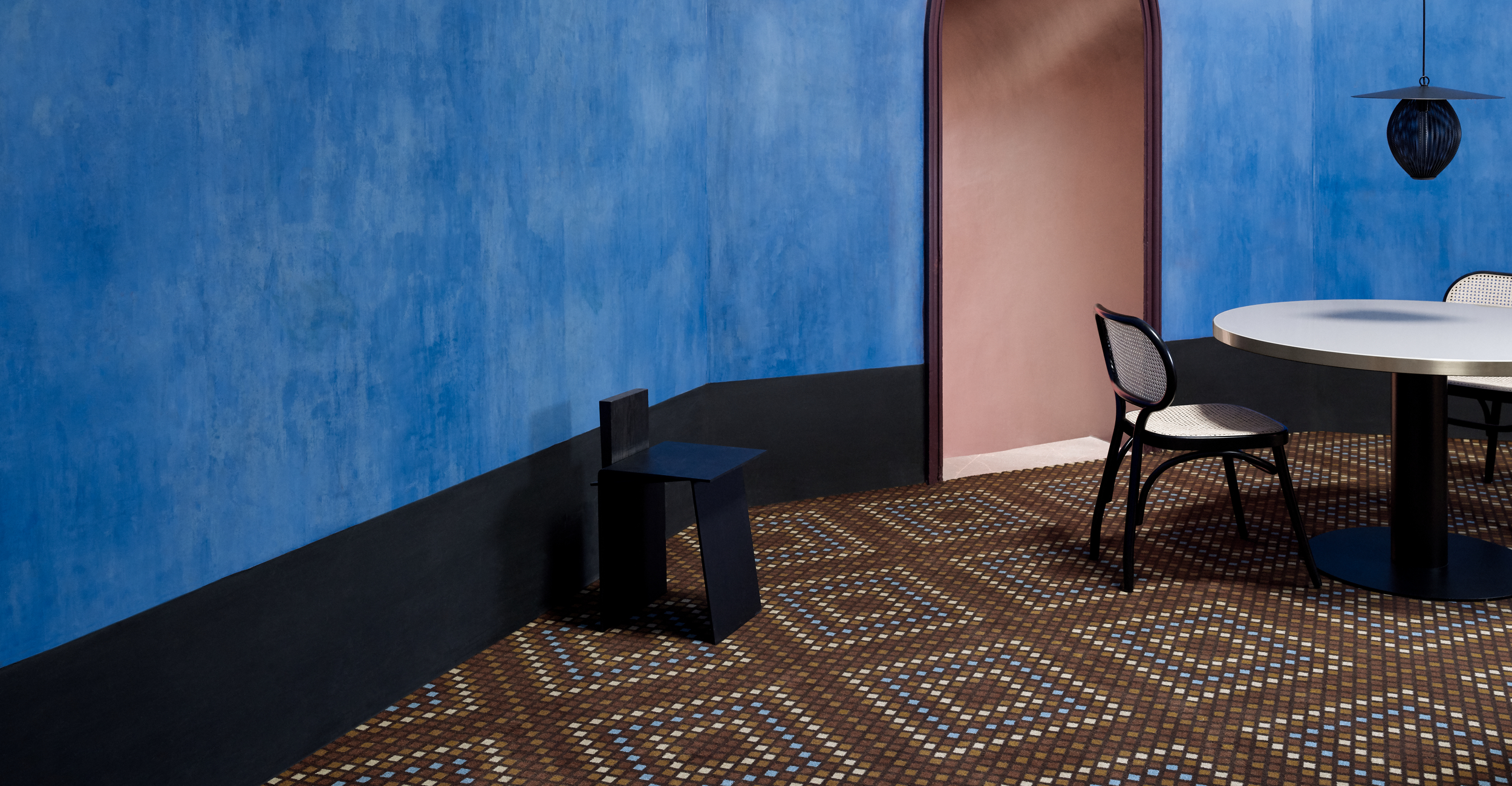
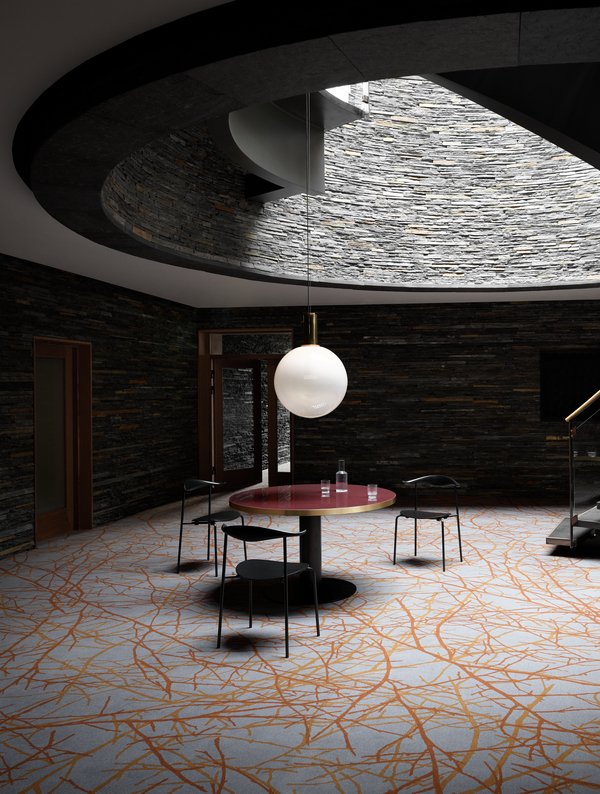
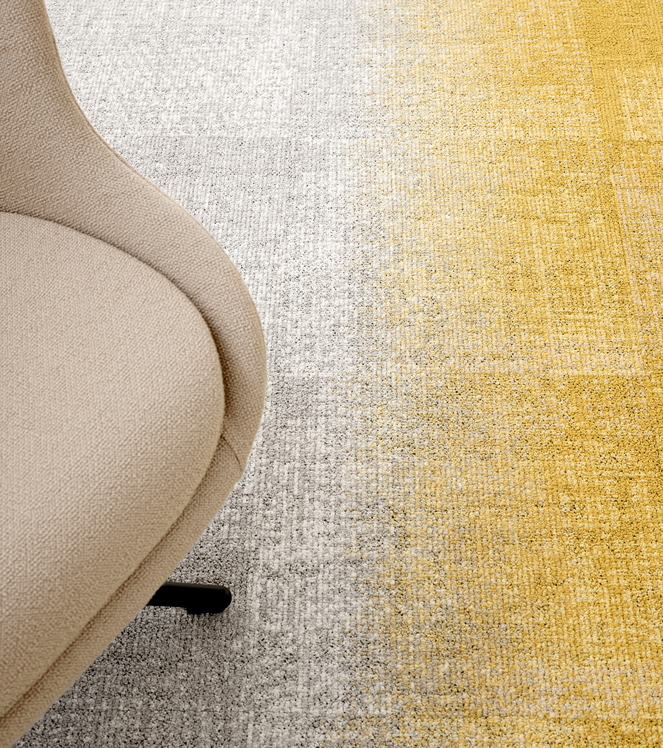
3D provides you with the opportunity to select any design in the ege carpets design bank to see how the design will look when laid in a variety of different rooms and spaces.
 

Select room

At the top of the screen, you can select six different kinds of room. Click on the kind of room you wish to see. Then a number of different options are displayed. Click on the specific room you wish to examine in further detail. When you have selected a specific room, you can select any carpet using the search function under the image. To view another room, repeat the room selection procedure.
 

Select design

In Product Search, you can search on a number of selection criteria. Select one or more criteria. Or, if you are searching for a specific design, enter the design number. Click Search. The designs which match your search criteria will now be displayed at the bottom of the screen. Click on the design you wish to see in the room.

 If you are not searching for a specific design, click on one of the designs pictured below the image.
 
You are free to switch between the different rooms and designs.
 
Click here to open the 3D showroom


Special designed carpets

Release the imagination with a special designed carpet

Product News

View the latest carpet collections from ege

Projects

Find inspiring projects from all over the world

Special designed carpets

Release the imagination with a special designed carpet
© ege 2012 Cookie and privacy policy statement Google+ Facebook Twitter Pinterest Website: Co3
Click to choose your mood
Change carpetCityscapes
Change carpetDark Water
Change carpetFunkygraphic
Change carpetPhotosophy
Change carpetSense
Change carpetSense
GB